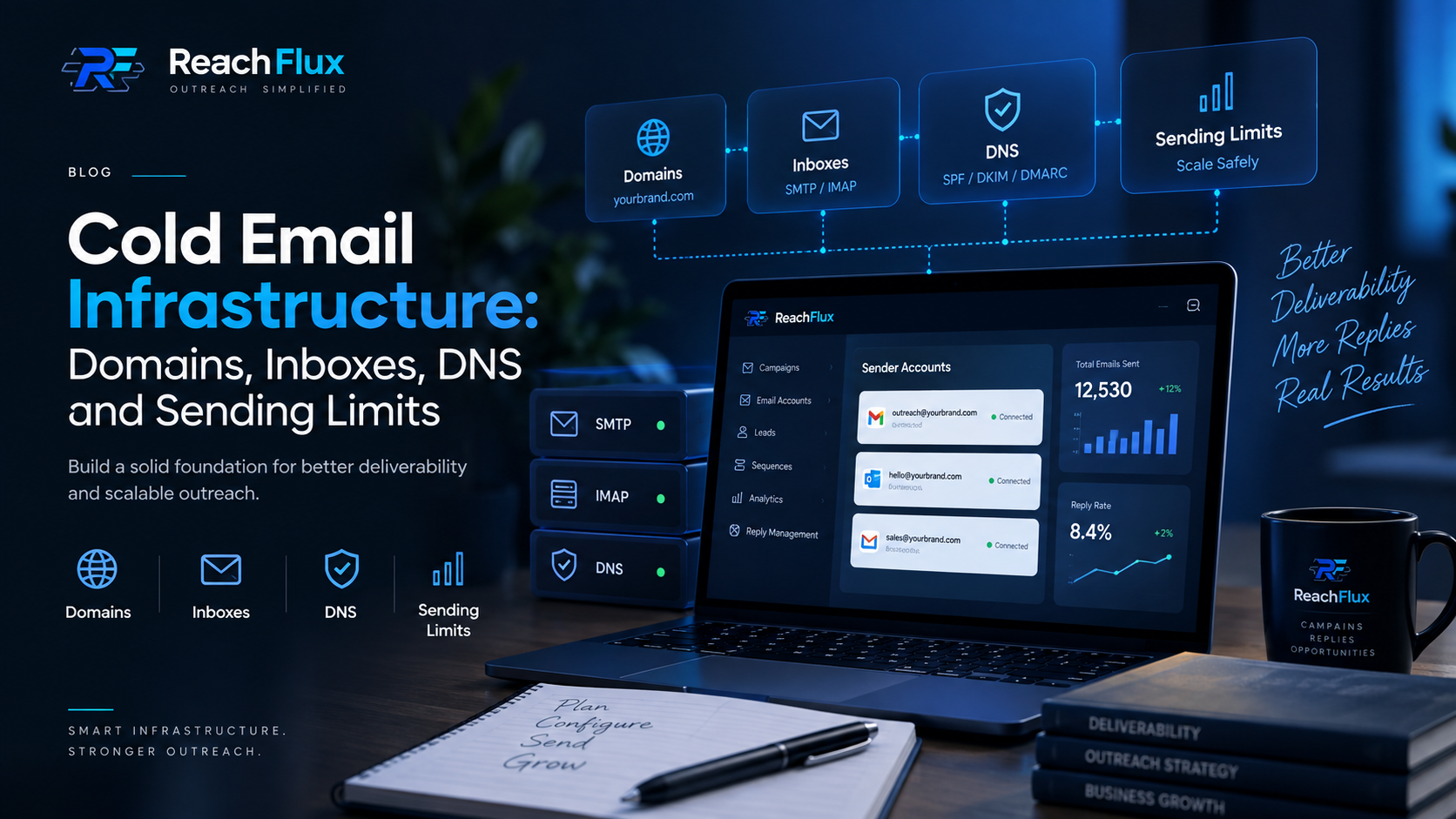
Cold email infrastructure is the system behind the send button.
Cold email infrastructure is the combination of the domains, sender mailboxes, DNS records, mail-server connections, sending rules and reply handling used to operate outbound email. A solid setup does not guarantee inbox placement. It removes avoidable technical problems and gives you a cleaner base for monitoring sender health.
I think of it as two layers. The first is the mail infrastructure: domain, DNS, mailbox and provider. The second is the operating layer: recipient data, pacing, campaign logic, replies and lead follow-up. Problems in either layer can make the whole system look unreliable.
That distinction matters because adding another inbox is not a fix for every deliverability problem. If authentication is wrong, recipients are poor quality, complaints are rising or volume jumps too quickly, multiplying sender accounts can multiply the problem instead of solving it.
What does a cold email infrastructure setup actually include?
For a practical B2B outbound setup, I would break the infrastructure into five parts: sending domains, sender inboxes, DNS authentication, mail connections and sending controls. Prospect data sits next to that stack because recipient quality directly affects what happens after you begin sending.
These parts are connected. Your From address belongs to a domain. That domain needs authentication. The mailbox sends through a mail service. Your campaign software then has to respect the provider's technical limits while controlling how quickly and how consistently messages leave the account.
There is no single DNS record, inbox provider or daily number that makes a setup "safe." Email providers evaluate more than one signal. Google explicitly points senders toward authentication, low spam rates, valid DNS, TLS, consistent sending and gradual volume increases. That is a system, not a checkbox.
Your sending domain is part of your outbound identity.
Every outbound message carries a domain identity. That identity appears in the visible From address and is also involved in authentication. If the domain is poorly configured, the rest of the campaign cannot compensate for it.
Should cold outreach use your primary company domain?
There is no universal rule that says a business must never send outbound from its primary domain. The decision is about risk and importance. If your primary domain handles customer support, invoices, password resets, internal communication and other business-critical mail, you may not want experimental outbound activity sharing the same reputation context.
Some teams therefore separate outbound sending from critical business email. That separation can make operational sense, but buying a collection of lookalike domains is not a deliverability strategy by itself. Each domain still needs correct DNS, sensible sending behavior and monitoring.
Keep the identity believable.
A recipient should be able to understand who contacted them. Use a domain and From identity that clearly represents the business or sender. Avoid misleading domain names or From headers designed to impersonate another organization.
Inboxes provide capacity, but capacity is not the same as permission to send more.
A sender account is the mailbox that actually sends the message. In a small setup, one or two accounts may be enough. As outbound volume grows, teams often connect more sender accounts and distribute recipients between them.
That distribution has a useful operational purpose: it prevents one account from carrying the entire campaign workload. But it should not be used to dodge provider restrictions. Every connected mailbox still belongs to an email provider with its own limits and abuse controls.
Google Workspace is a good example of why "daily limit" and "recommended cold email volume" should not be confused. Google publishes account-level sending limits, but those are service limits, not a recommendation for how many unsolicited outbound messages a new mailbox should send. The number that makes sense operationally depends on sender history, recipient quality, complaint signals, domain reputation and the provider you use.
Planning sender capacity? Read How Many Email Accounts Do You Need for Cold Outreach? before adding more inboxes.
SPF, DKIM and DMARC answer different trust questions.
DNS authentication is one of the least exciting parts of cold email infrastructure, but it is also one of the easiest places to create a preventable failure.
SPF: which systems are allowed to send?
SPF publishes information about the mail systems authorized to send on behalf of a domain. If you use a third-party email provider, its sending infrastructure normally needs to be represented correctly in your SPF setup.
DKIM: was the message signed by the domain?
DKIM adds a cryptographic signature to outgoing mail. Receiving systems can use the public key published in DNS to verify the signature and check that relevant parts of the message were not altered after signing.
DMARC: does authentication align with the visible sender?
DMARC builds on SPF and DKIM. It checks alignment between the visible From domain and an authenticated domain, then lets the domain owner publish a policy for messages that fail.
Google's current sender requirements make the distinction clear. Senders to personal Gmail accounts need SPF or DKIM. Senders above Google's bulk-sender threshold need SPF, DKIM and DMARC, along with alignment and other requirements. Google also requires valid forward and reverse DNS for sending infrastructure and TLS for transmission.
Need the authentication layer in more detail? Read our SPF vs DKIM vs DMARC for Cold Email guide.
SMTP sends the message. IMAP helps your application work with the mailbox.
SMTP and IMAP often appear next to each other in an email-account setup screen, but they do different jobs.
SMTP is for outgoing mail transport.
SMTP is the protocol used to transfer email between sending and receiving mail systems. In an outreach application, the SMTP configuration is part of how the application submits outgoing messages through the sender's mail provider.
IMAP is for mailbox access.
IMAP lets an email client or application access messages stored on a mail server. For an outreach workflow, that matters when replies need to be detected and brought back into the campaign context instead of being left across several separate inboxes.
SMTP moves outbound mail. IMAP gives an application access to mailbox content. An outreach system may need both because sending the first email is only half the workflow; replies have to come back somewhere useful.
This is also why credentials should be handled carefully. Use the authentication method your provider supports, prefer encrypted connections, and do not paste SMTP or IMAP passwords into public tickets, screenshots or shared documents.
There is no universal safe cold email sending limit per inbox.
Search for "cold email sending limits" and you will find confident numbers: 20 per day, 30 per day, 50 per day, sometimes much more. Those numbers can be useful as examples of how another team operates. They are not universal rules.
Your provider's technical maximum is one constraint. Sender reputation is another. Recipient quality, complaint rate, bounce behavior, account age, domain history and recent sending patterns also matter. A mailbox being technically able to send a certain number of messages does not mean that number is sensible for a cold campaign.
Google specifically recommends increasing sending volume slowly, sending at a consistent rate instead of in bursts, watching server responses and reputation, and reducing volume when bounces or deferrals rise. It also warns against sudden volume spikes.
What should determine your operating volume?
- The rules and technical limits of the mailbox provider.
- The domain and sender account's recent sending history.
- Bounces, temporary deferrals and SMTP responses.
- Spam complaints and sender reputation signals.
- The quality and relevance of the recipient list.
- Whether volume is increasing gradually or arriving as a sudden spike.
Ready to increase volume? Read How to Increase Cold Email Volume Without Triggering Spam Filters before raising campaign capacity.
Scale the infrastructure only after the current setup is understandable.
Before adding domains and inboxes, establish a baseline. Know which accounts are sending, how many recipients they handle, what the bounce pattern looks like and whether replies are arriving correctly.
Once that baseline is stable, additional sender accounts can increase operational capacity. At that point the challenge changes. You are no longer managing one mailbox. You are managing distribution, signatures, timing, campaign state, replies and follow-up across several accounts.
This is where software becomes useful. The point is not to make a sender account look human through tricks. The point is to keep legitimate outbound operations controlled: distribute work, avoid bursts, keep sender identity consistent, track campaign state and make sure replies do not disappear between inboxes.
Moving beyond a small sender setup? Read How to Scale Cold Email Campaigns Without Hurting Deliverability for the broader scaling workflow.
Most infrastructure problems are ordinary mistakes repeated at a larger scale.
Campaign copy will not repair broken SPF, DKIM or DMARC configuration.
A technical ceiling is not a daily target for a new outbound account.
If something breaks, you lose the ability to tell which change caused it.
Bad addresses create bounces before your message has a chance to matter.
More accounts can spread a bad process across more infrastructure.
A campaign is incomplete if interested replies are scattered across inboxes.
Seeing deliverability problems already? Start with Why Are My Cold Emails Going to Spam? before adding more infrastructure.
A practical cold email infrastructure checklist
I would not launch a new outbound setup until I can answer each of these questions. The checklist is deliberately boring. Boring infrastructure is usually easier to operate than a complicated setup you cannot diagnose.
- Which domain will appear in the sender's From address?
- Are SPF and DKIM configured correctly for the systems that send mail?
- Is DMARC published and aligned with the way mail is authenticated?
- Does the sending provider use TLS and meet the receiving provider's requirements?
- Are sender accounts active and configured with the correct SMTP details?
- If replies are handled in software, is mailbox access configured correctly?
- Has the prospect data been checked and invalid addresses reduced before launch?
- Are sending windows and delays configured to avoid unnecessary bursts?
- Does each sender account use the correct identity and signature?
- Can you see bounces, failures, replies and campaign status after launch?
- Do you know what signal would make you reduce volume rather than increase it?
ReachFlux sits above the email infrastructure you already control.
ReachFlux does not sell sending domains, create mailboxes for you or provide a dedicated lead-scraping database. The workflow starts with infrastructure and prospect data you control.
You connect sender accounts with the required mail-server settings, configure your outreach preferences and import prospect data from CSV or Excel. ReachFlux can detect the email column, validate addresses, distribute recipients across connected accounts and process campaigns in the background.
On the sending side, the workflow can use randomized delays, per-account signatures, greeting variation and subject variation. You can review the message before launch, monitor campaign activity and keep replies connected to the lead conversation. From there, interested contacts can move through the built-in lead pipeline rather than being left as isolated inbox threads.
Your domain + your sender accounts + your prospect data → ReachFlux campaign controls → sending and tracking → replies → lead follow-up.
That separation is intentional. Mailbox providers remain responsible for the underlying email service and their sending limits. ReachFlux manages the outreach workflow around the accounts you connect.
Cold email infrastructure questions
Do I need a separate domain for cold email?
Not in every case. Many teams separate outbound activity from business-critical email to reduce operational risk. Whatever domain you use still needs proper authentication and responsible sending behavior.
Do SPF, DKIM and DMARC guarantee inbox placement?
No. They establish authentication and help receiving systems verify sender identity. Deliverability also depends on reputation, recipient feedback, message quality, sending behavior and other signals.
What is a safe cold email sending limit per inbox?
There is no universal number. Start from the rules of your provider, then use actual sender history, bounces, deferrals, complaints and reputation signals to decide how quickly to increase volume.
What is the difference between SMTP and IMAP?
SMTP handles email transport and submission for outgoing messages. IMAP lets an application access and work with messages stored in a mailbox. An outreach platform can use sending connectivity for campaigns and mailbox connectivity for reply handling.
Does adding more inboxes improve deliverability?
Not automatically. More inboxes can add capacity and distribute workload, but they do not repair weak authentication, poor recipient data, high complaint rates or bad sending practices.
Does ReachFlux provide domains, inboxes or scraped leads?
No. ReachFlux works with sender accounts and prospect data you bring to the platform. Its role is campaign execution, sending controls, tracking, reply management and lead follow-up around that infrastructure.
Primary references used for this guide
Provider requirements change. Check the current documentation for the mailbox services you use before changing authentication or sending volume.
Build the infrastructure first. Scale the campaign second.
Once the domain, sender accounts and authentication are stable, the next job is controlling volume without turning growth into a deliverability problem.
Read the sending-volume guide →